
Newsletter
Stay Updated
Subscribe to FrontendGeek Hub for frontend interview preparation, interview experiences, curated resources and roadmaps.
Social Tools
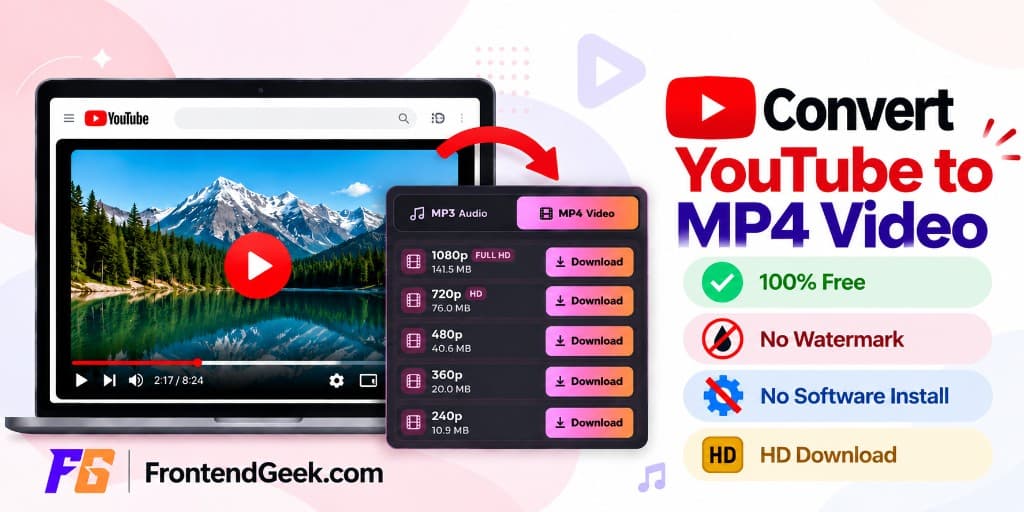
Free YouTube to MP4 converter Online — Convert YouTube to MP4 and Download MP4 video in Seconds. Fast Download & No Watermark.
Related
Overview
A YouTube to MP4 Converter is a free online tool that converts YouTube videos into downloadable MP4 files you can save on your android, iPhone, PC or mac device.
This YT to MP4 converter runs in your browser: paste a link, load a quick youtube video details, and download the MP4 in HD/4K without login or any Sign-Up.
Whether you need a YouTube to MP4 player for offline viewing during travels, personal archives you own, this tool helps you to download youtube mp4 with simple steps.
How to use
To convert YouTube to MP4, you just need to follow the 3 steps — paste the YouTube URL, load the video, and download the required MP4. Let’s go through these steps.
Copy the video link from YouTube and paste it into the input box. Watch links, Shorts links, and youtu.be URLs are all supported.
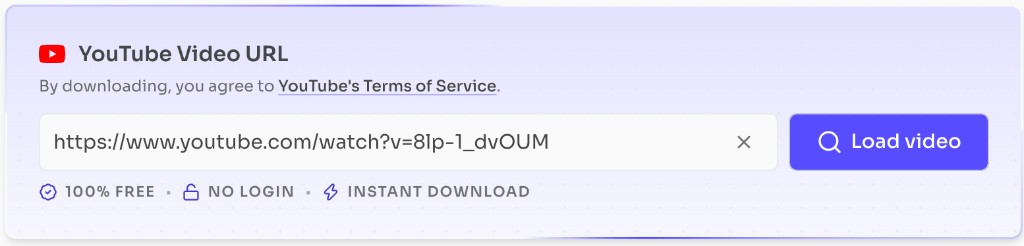
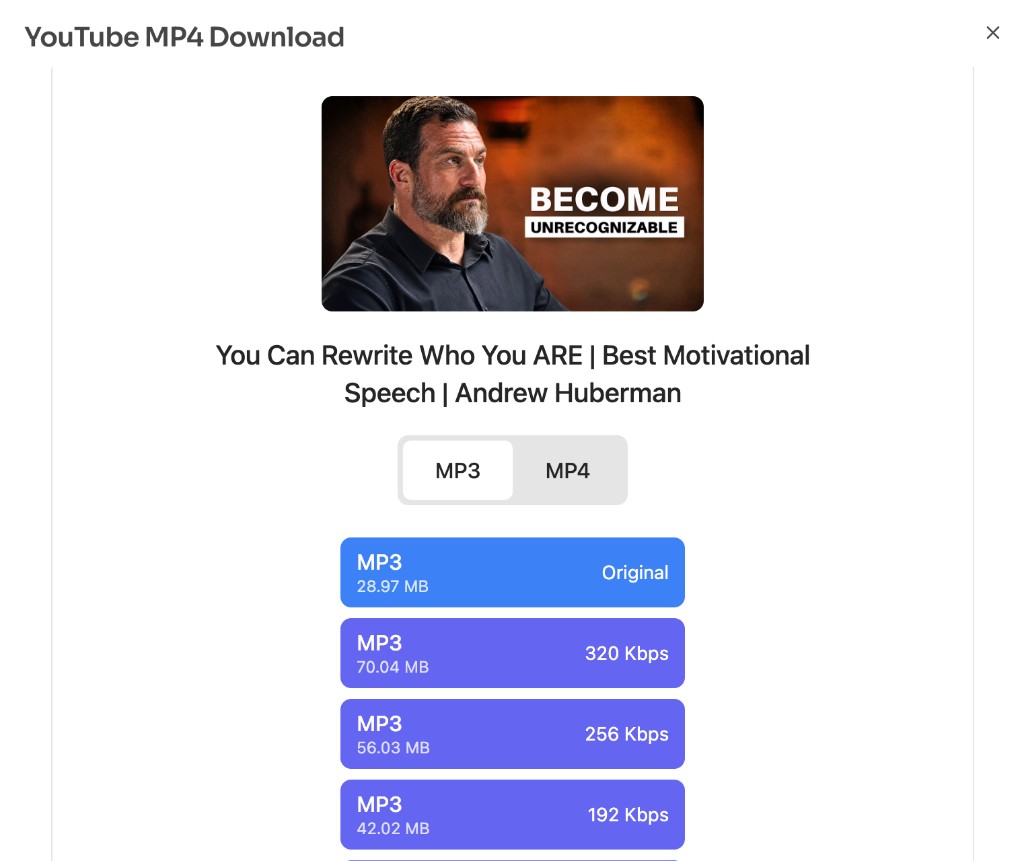
Click Load video to fetch the title, channel, thumbnail, and a Download Youtube MP4 button. This step prepares the stream so you can convert and save the file.

Click Download Youtube MP4 to open the quality list. Choose an MP4 option and save the file to your device. No login is required.
Features
Convert and download YouTube videos as MP4 at no cost — no hidden fees or paid unlocks.
Paste a link and download MP4 right away without creating an account or signing in.
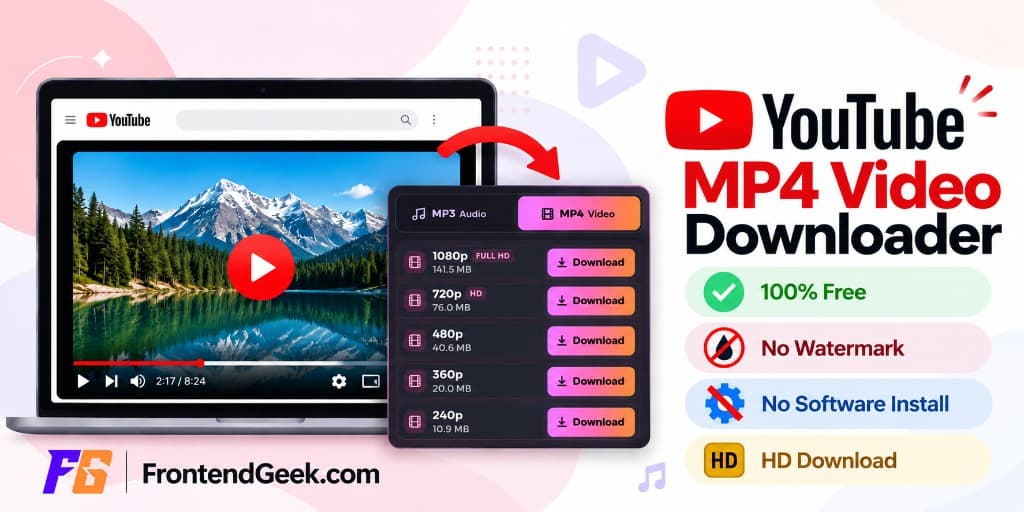
Pick the quality that fits your screen and storage — from SD to HD and 4K when YouTube makes those streams available.
Your MP4 stays clean. We do not stamp a logo or promo on files you are allowed to keep offline.
Works entirely online in your browser — no desktop app, extension, or installer required.
Load the video and save your MP4 in seconds with a fast paste-and-download flow.
Convert as many YouTube videos to MP4 as you need — no daily caps on this tool.
The YouTube to MP4 flow works across mobiles and PCs so you can move a file into CapCut, iMovie, VLC, or your gallery without a special software.
Safari or Chrome; save via Downloads / Files.
Chrome or Firefox on phones and tablets with download support.
Edge, Chrome, Firefox, and other desktop browsers on Windows.
Safari, Chrome, or Firefox on macOS — no codec pack required.
Our YouTube to MP4 converter targets the MP4 container — the format phones, editors, and browsers understand by default.
| Format | Quality | Best for |
|---|---|---|
| MP4 | 2160p (4K) | Ultra HD on large TVs and 4K monitors — sharpest detail when YouTube offers it |
| MP4 | 1080p (Full HD) | Crisp HD for laptops, TVs, and most editing workflows |
| MP4 | 720p (HD) | Clear HD with smaller files — great for phones and everyday offline viewing |
| MP4 | 480p (SD) | Standard definition that balances clarity and storage on mobile |
| MP4 | 360p (SD) | Light SD downloads for slower connections or limited storage |
| MP4 | 240p (SD) | Very small files when you only need a quick preview or voice-focused clip |
| MP4 | 144p (SD) | Lowest size for basic playback when bandwidth or space is tight |
Stuck converting YouTube to MP4? Double-check the link format, wait for Load Video to finish, then pick a quality that includes audio when you need sound. Private, age-gated, or geo-restricted clips often fail by design.
Paste a full watch URL, Shorts link, or youtu.be link — not a channel page or search results URL. Invalid links prevent the converter from fetching an MP4 stream.
If Download MP4 does nothing, wait for the preview to finish loading, then try the player menu path shown in the Quick Download Guide on this page.
Lower the selected quality if a high-resolution option fails to start. Browser-friendly MP4 options with audio may differ from separate video-only tracks on YouTube.
Clear a stuck tab with a hard refresh, then click Load Video once more before retrying. Peak traffic can slow stream preparation.
If a terms prompt appears, confirm it to continue — no account or login is required. Preview still works before you download.
Use stable Wi‑Fi for large 1080p MP4 saves and keep the browser tab open until the download finishes writing to your device.
FAQ
Quick answers about Free YouTube to MP4 Converter.
Yes. FrontendGeek's YouTube to MP4 converter is free. You can preview and download MP4 files without creating an account or paying for a plan.
Guides
Step-by-step Instant Download help, format comparisons, and troubleshooting from the Tools Guide.



Languages
Help others discover this free tool
Explore
Quick Download Guide
How to download YouTube MP4
Follow these steps to download from YouTube quickly.
Provide URL and click Download
Paste a YouTube URL, load the video preview, then click the Download button under the thumbnail.
Select required MP4 quality
Choose the MP4 video quality you need — the file is prepared immediately for automatic download in your browser.