
Troubleshooting
YouTube MP4 Download Not Working [Troubleshooting]
Updated Jul 26, 2026
If Instant Download stalls, quality options never appear, or the saved file will not play, work through this checklist. Most issues come from the URL, network, browser permissions, or a temporary YouTube availability problem — not from your device alone.
![YouTube MP4 Download Not Working [Troubleshooting] — Person troubleshooting a laptop while working through a download issue](/_next/image?url=https%3A%2F%2Fimages.unsplash.com%2Fphoto-1516321318423-f06f85e504b3%3Fauto%3Dformat%26fit%3Dcrop%26w%3D1600%26q%3D80&w=3840&q=75 "YouTube MP4 Download Not Working [Troubleshooting] — YouTube MP4 download troubleshooting")
Free YouTube Download Tools
Quick checks (fix most cases)
- Confirm the URL opens the video in YouTube itself
- Remove tracking junk after & if the paste looks broken — keep the video ID intact
- Hard-refresh the tool page (Ctrl/Cmd+Shift+R) and paste again
- Try another browser or disable aggressive ad blockers for frontendgeek.com
- Sign in when prompted — some download steps require a free account
Symptom: nothing loads after paste
Double-check you used a watch, youtu.be, or /shorts/ link — playlist-only or channel URLs will not resolve to a single file. Private, age-restricted, or region-blocked videos may not expose formats to online tools. Wait a minute and retry; YouTube rate limits can briefly block fetches.
- Try YouTube Video Downloader if YouTube to MP4 Converter stalls
- For Shorts URLs, switch to YouTube Shorts Downloader
- If you only need audio, YouTube to MP3 Converter may still succeed when video formats are limited
Symptom: download starts but file is empty or corrupt
- Do not cancel mid-transfer — incomplete MP4s often look 0 KB or fail to open
- Clear browser Downloads conflicts if another file with the same name is locked
- Retry at a lower quality (720p or 480p) if 1080p times out on slow networks
- Check free disk space on phone or desktop
Symptom: video plays with no sound
That is usually a separate muxing issue (video-only stream). See our guide on why YouTube downloads sometimes have no audio, or download again and pick a quality that includes audio. As a workaround, grab audio via YouTube to MP3 Converter and keep the video file separately only if you need both.
Browser & device-specific fixes
- iPhone Safari: allow downloads / check Files → Downloads; avoid Private tabs that discard files
- Android Chrome: confirm the download notification completed; open with VLC if Gallery rejects the file
- Desktop: allow pop-ups and multiple downloads for frontendgeek.com
- Corporate VPN or school Wi‑Fi: try mobile data — some networks block media fetch domains
Still stuck?
Retry later, try a different public video to isolate whether the problem is one URL, then return to your clip. Rotate between YouTube to MP4 Converter, YouTube Video Downloader, and YouTube Shorts Downloader depending on the link type. For audio-only needs, YouTube to MP3 Converter remains the simplest path.
Explore More Guides
Why Sometimes YouTube Downloads Have No Audio [Troubleshooting]
 How to Download YouTube Videos for Free: Step-by-Step Guide (2026)
 How to Convert Youtube to MP4 for Free
 How to Download YouTube Music and Songs for Free — High Quality MP4
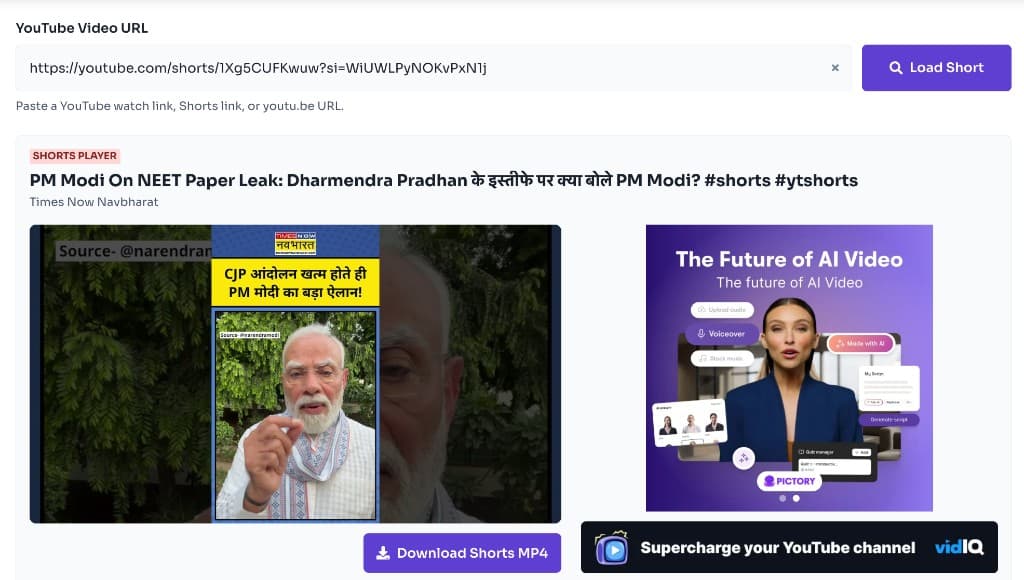 How to Download YouTube Shorts for Free — Instant HD MP4 Download
MP4 vs WebM — Understand the Difference
MP4 vs MOV — Understand the Difference
 How to Extract Audio from YouTube Video — YouTube to MP3
Or browse the full Tools How to Guide.
Found this guide useful?
Share it with someone learning YouTube downloads