Free GIF to MP4 Converter

Free GIF to MP4 Converter Online — Convert Animated GIF to MP4 Instantly. Upload an Animated GIF and convert it to MP4 video for smaller files and better playback. Fast, Easy & No Watermark.

MP4 to MP3 Converter
MKV to MP4 Converter

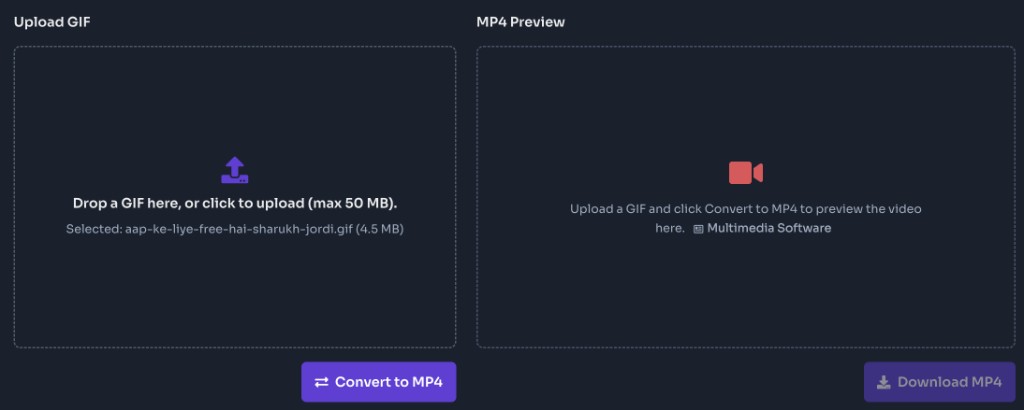
Drop a GIF here, or click to upload (max 50 MB).

Upload a GIF and click Convert to MP4 to preview the video here.

What is a GIF to MP4 Converter?

A GIF to MP4 converter is an online tool that turns an animated GIF into a downloadable MP4 video. FrontendGeek’s free GIF to MP4 converter runs in your browser: upload a GIF you own or have permission to use, convert on the server with FFmpeg, preview the MP4, then download. Long GIFs are often large and play inconsistently on mobile; MP4 is usually smaller and works better in modern players and social apps. No desktop software, no browser extension, and no watermark added to the file.

Why use this GIF to MP4 converter online?

Smaller file sizes than many long or high-frame animated GIFs

Better playback support in modern browsers, phones, and social platforms

Keep animation timing while switching to a widely supported video format

Preview the converted MP4 in your browser before you download

Works on desktop and mobile with a clear upload → convert → download flow

Ideal for memes, UI demos, product loops, and clips you have rights to convert

FrontendGeek does not stamp a watermark on the downloaded MP4

How to Convert GIF to MP4 Online?

To convert GIF to MP4 online, upload an animated GIF up to 50 MB, click Convert to MP4, wait for processing to finish, then preview and download the video. The converter encodes the GIF frames into an MP4 so you can share or embed a lighter, more compatible clip. Use this when you already have the GIF on your device — for YouTube links, use the YouTube to MP4 Converter instead.

How to Use This GIF to MP4 Converter?

1

Upload your GIF

Drag and drop an animated GIF into the Upload GIF panel, or click to browse. Only GIF images are accepted on this page. Maximum upload size is 50 MB per file.

2

Convert to MP4

Click Convert to MP4 to send the file for server-side conversion. The tool encodes the animation into an MP4 you can preview and save. Keep the tab open until processing completes.

3

Preview the video

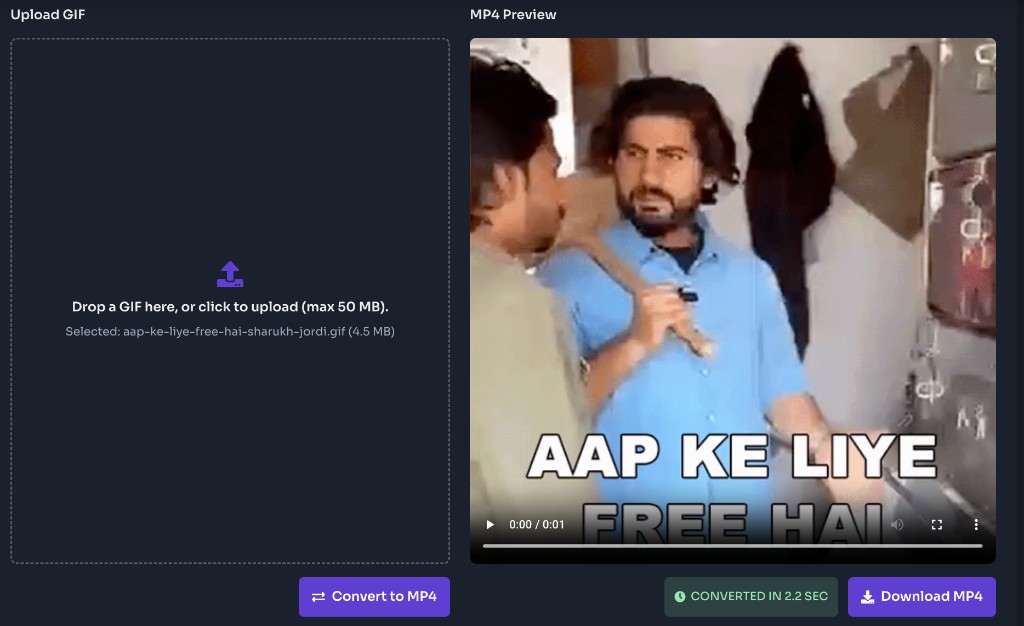
When conversion finishes, the MP4 Preview panel plays your clip. Watch once to confirm motion, timing, and that you converted the right GIF.

4

Download the MP4

Click Download MP4 to save the file to your device. The download uses a clean filename based on your upload so it is easy to find in your downloads folder.

Top Features of Our GIF to MP4 Converter

Simple Browser Upload

Drop a GIF or click to upload. No desktop editors and no browser extension required.

Fast Online Conversion

Server-side FFmpeg converts GIF frames to MP4 quickly so you can preview and download without a heavy local encode.

In-Browser MP4 Preview

Play the converted video before saving so you can verify animation and timing at a glance.

Smaller, Shareable Files

MP4 often compresses better than long GIFs, making clips easier to upload, embed, and send.

Desktop & Mobile Friendly

The same upload-and-convert workflow works in modern browsers on phones, tablets, and desktops.

Free to Use

Convert GIF to MP4 online for free with clear file-type guidance, a 50 MB upload limit, and no FrontendGeek watermark.

Frequently Asked Questions - FAQs

Is this GIF to MP4 converter free?

Yes. FrontendGeek’s GIF to MP4 converter is free to use online. Upload a GIF, convert, preview the video, and download the MP4 with no watermark added by FrontendGeek.

How do I convert GIF to MP4?

Upload an animated GIF up to 50 MB, click Convert to MP4, wait for processing, preview if you want, then click Download MP4.

What files can I upload?

Animated GIF files only (.gif / image/gif). Photos, videos, and other image formats are not supported on this page.

What is the max file size?

50 MB per upload. For larger GIFs, reduce resolution or frame count first, or trim the animation into a shorter clip.

Do looping GIFs keep looping in MP4?

The MP4 contains the animation frames from your GIF. Looping depends on the player: many players play once unless loop is enabled. Social apps may loop video on their own.

Will the MP4 look identical to the GIF?

Conversion aims to preserve motion and timing, but video encoding can introduce small differences versus the original GIF palette and frame timing. Preview before downloading if exact look matters.

Does conversion keep working if I close the tab?

Keep the tab open until conversion finishes and the download starts. Closing the page early can interrupt processing or the download.

Is it legal to convert GIF to MP4?

Only convert media you own or have permission to use. Respect copyright and local laws. FrontendGeek provides the technical tool; you are responsible for lawful use of any converted files.

Love this tool? Share it!

Help others discover this resource

More Tools

Discover more free tools to boost your productivity

All Tools

Twitter Video

Twitter Video Downloader

LinkedIn Banner

PDF

Base64 String

data:application/pdf;base64,JVBERi0...

Stay Updated

Subscribe to FrontendGeek Hub for frontend interview preparation, interview experiences, curated resources and roadmaps.

FrontendGeek
FrontendGeek

All in One Preparation Hub to Ace Frontend Interviews. Master JavaScript, React, System Design, and more with curated resources.

Consider Supporting this Free Platform

Buy Me a Coffee

Product

HomeFrontend InterviewFrontend JobsQuestionsNewInterview ExperienceBlogsToolsLeaderboardFrontendGeek Chrome extensionGet the extension on the Chrome Web Store

From Creator

© 2026 FrontendGeek. All rights reserved