
Newsletter
Stay Updated
Subscribe to FrontendGeek Hub for frontend interview preparation, interview experiences, curated resources and roadmaps.
Newsletter
Subscribe to FrontendGeek Hub for frontend interview preparation, interview experiences, curated resources and roadmaps.
Image Tools
Instantly crop any JPG, PNG, WebP, HEIC image online using free image cropper in square, circle & other shapes. Free, Fast & No Account required.
Related
Overview
An online image cropper lets you trim a photo to the area you want to keep — tighter framing, a cleaner subject, or a social post size — without installing software.
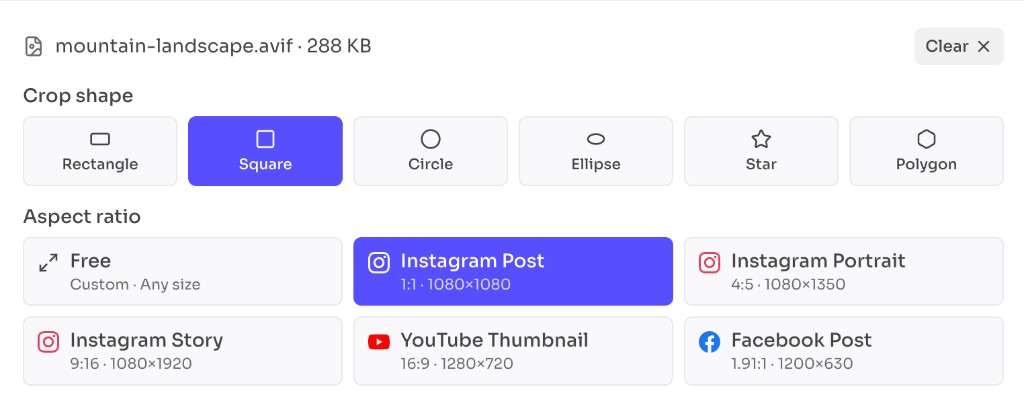
Choose from 6 crop shapes including square, circle, ellipse, star, and polygon, or tap a pre-defined Instagram, YouTube, Facebook, LinkedIn, or X size. Drag the selection, preview, and download.
It runs in your browser and supports JPG, PNG, WebP, HEIC, and other images. No account required.
How to use
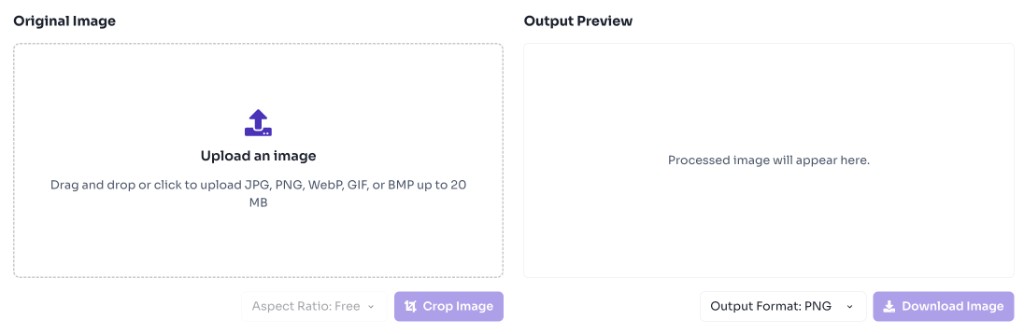
Click the upload area or drag and drop a JPG, PNG, WebP, GIF, or BMP file. Need PNG from a JPEG first? Use the JPG to PNG converter.
Choose a crop shape or a pre-defined social size for Instagram, YouTube, Facebook, LinkedIn, or X, then drag on the image to keep the region you want.
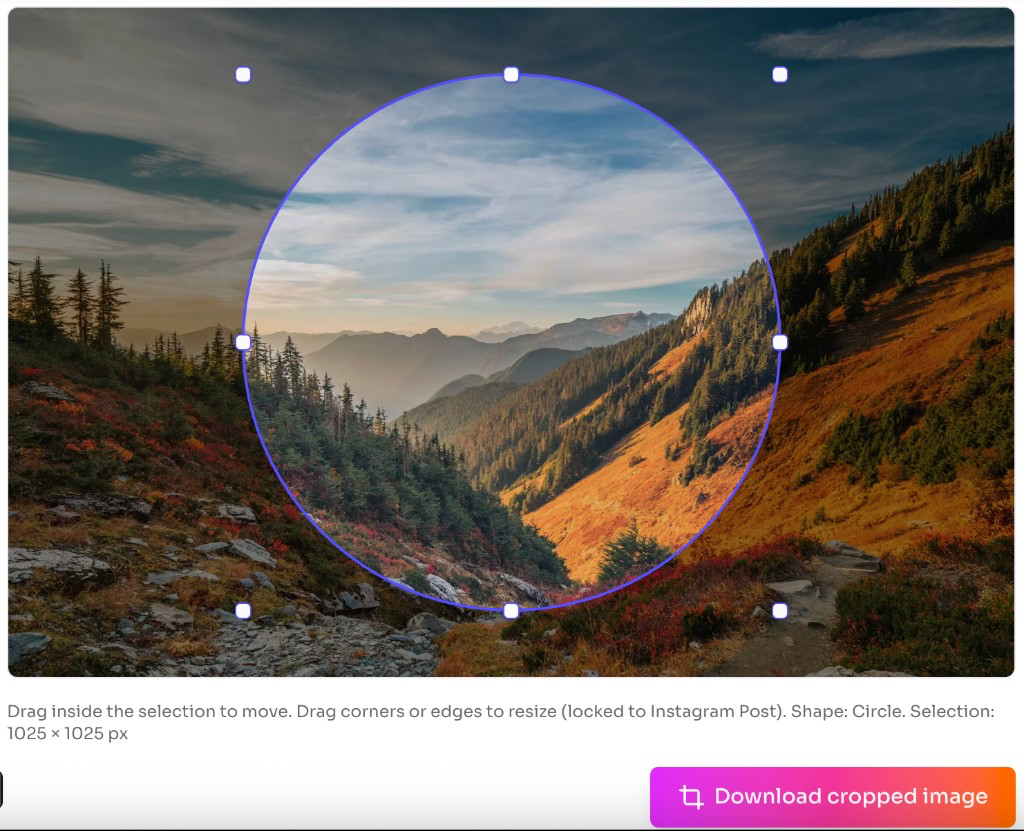
Click Crop Image to generate the cropped preview instantly.
Download the cropped image in your preferred format.
Why use it
An online image cropper is the fastest way to reframe a photo when you need a tighter composition, a specific aspect ratio, or a cleaner subject focus without opening desktop editing software. To change pixel dimensions instead of the frame, use the Image Resizer.
Features
Crop as a rectangle, square, circle, ellipse, star, or polygon to match the look you need.
One-tap Instagram, YouTube, Facebook, LinkedIn, and X sizes — or pick a crop shape for a custom frame.
Upload JPG, PNG, WebP, HEIC, GIF, BMP, and similar formats, then download the cropped result instantly.
Move and resize the crop box on the image, then preview the result before you download.
Images stay on your device — no upload, account, or watermark required.
Crop the same photo as a square, circle, star, polygon, or rectangle — then download the result instantly.
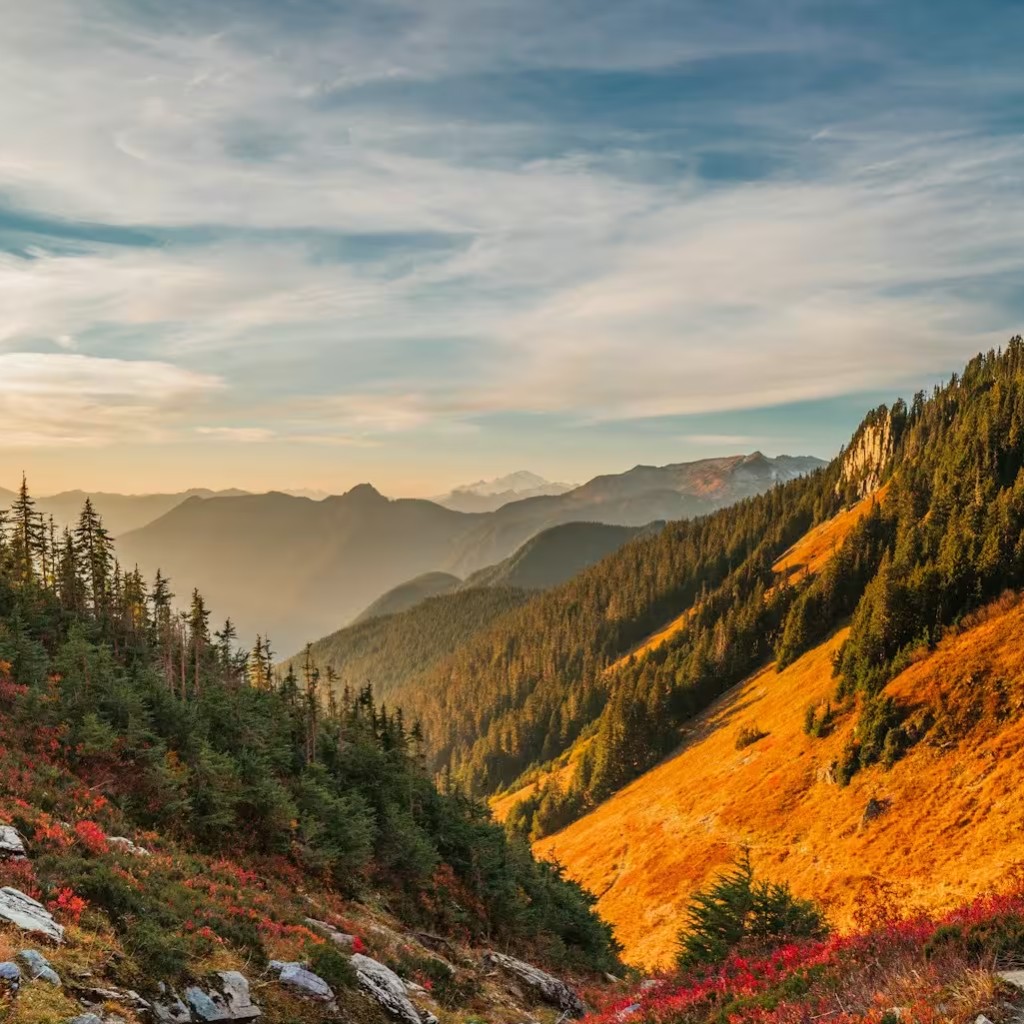
1:1 square crop for profile photos and Instagram posts.
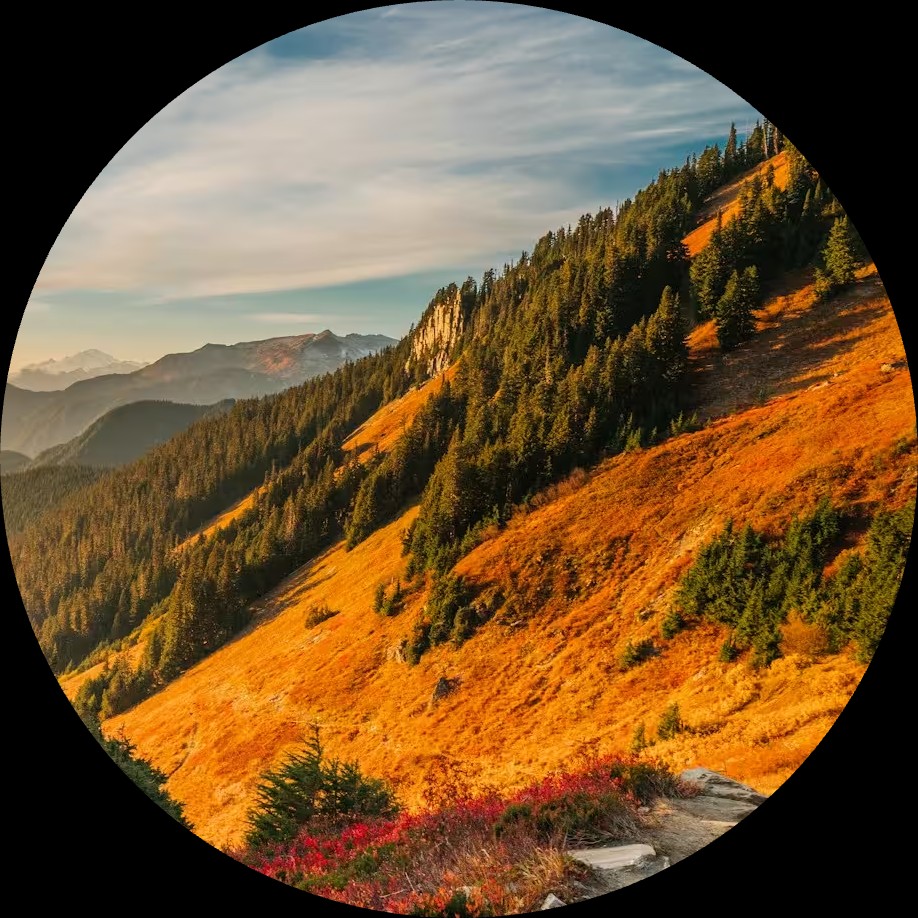
Circular crop with a transparent background around the subject.
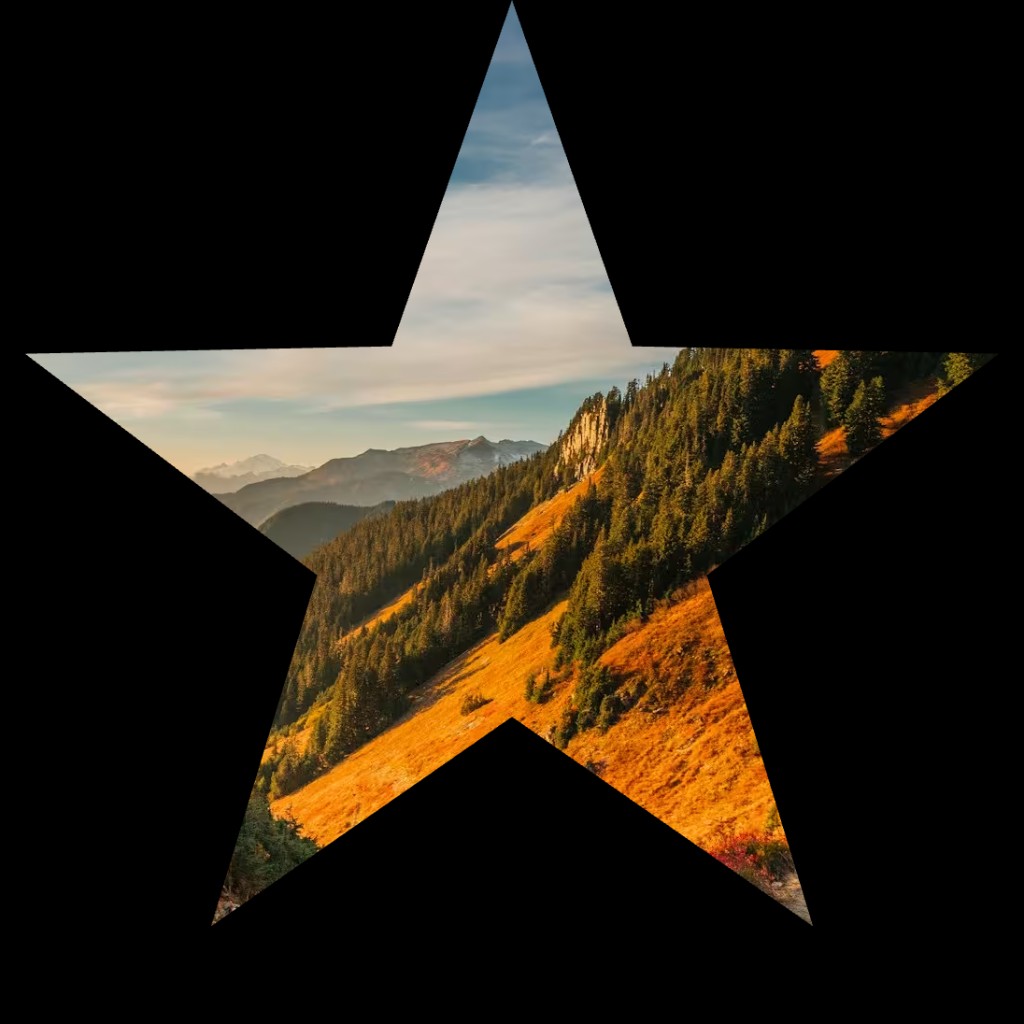
Star-shaped crop for badges, stickers, and creative posts.
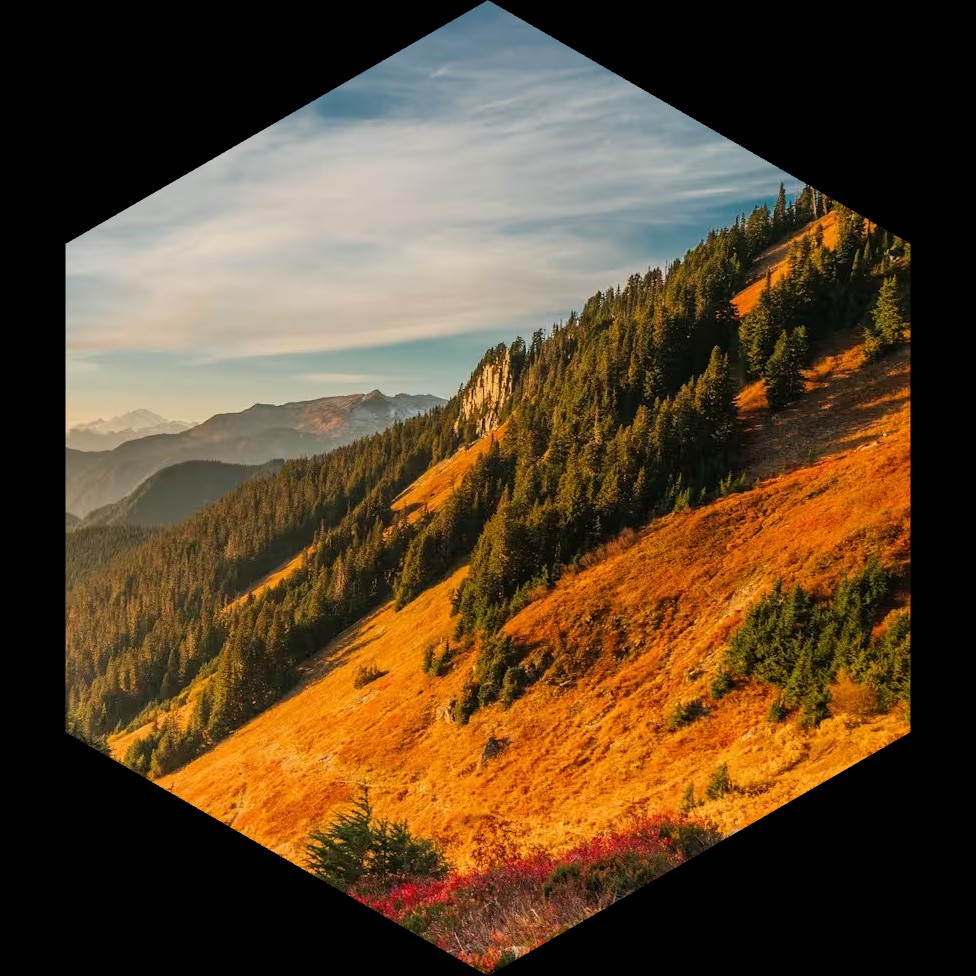
Hexagon crop for geometric frames and product highlights.
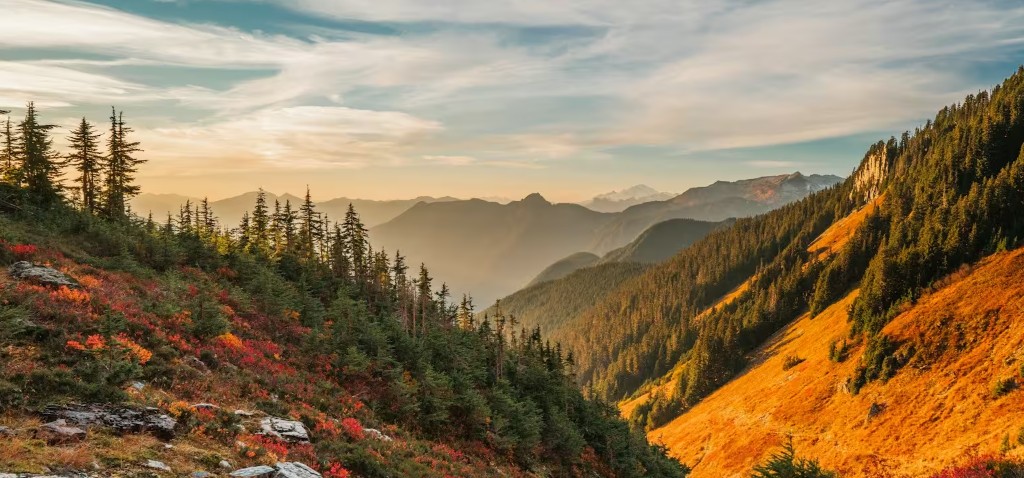
Free or landscape rectangle crop for banners and wide photos.
FAQ
Quick answers about Image Cropper.
This tool supports 6 crop styles: Rectangle, Square, Circle, Ellipse, Star, and Polygon. You can also lock pre-defined social sizes such as Instagram Post (1:1), Instagram Portrait (4:5), Instagram Story (9:16), YouTube Thumbnail (16:9), Facebook Post (1.91:1), LinkedIn Post, LinkedIn Banner, X Post, and X Header.
Help others discover this free tool
Explore