
Newsletter
Stay Updated
Subscribe to FrontendGeek Hub for frontend interview preparation, interview experiences, curated resources and roadmaps.
Newsletter
Subscribe to FrontendGeek Hub for frontend interview preparation, interview experiences, curated resources and roadmaps.
Image Tools
Convert HEIC to JPG online for free in seconds. Upload one or more iPhone HEIC or HEIF photos, preview the JPG output, and download instantly in your browser.
Related
Overview
An online HEIC to JPG converter turns iPhone and Apple-style HEIC photos into universally supported JPG images that open on nearly every device, app, and website. Upload one or multiple HEIC files, preview the results, then convert and download JPG copies in your browser.
HEIC (High Efficiency Image Container) is Apple’s modern photo format based on HEIF. It usually stores the same visual quality as JPG in a smaller file, which is why iPhones often save photos as .heic by default. The tradeoff is compatibility: many Windows apps, older devices, email clients, and websites still expect JPG or PNG instead of HEIC.
How to use
Click the upload area or drag and drop one or more HEIC or HEIF files.
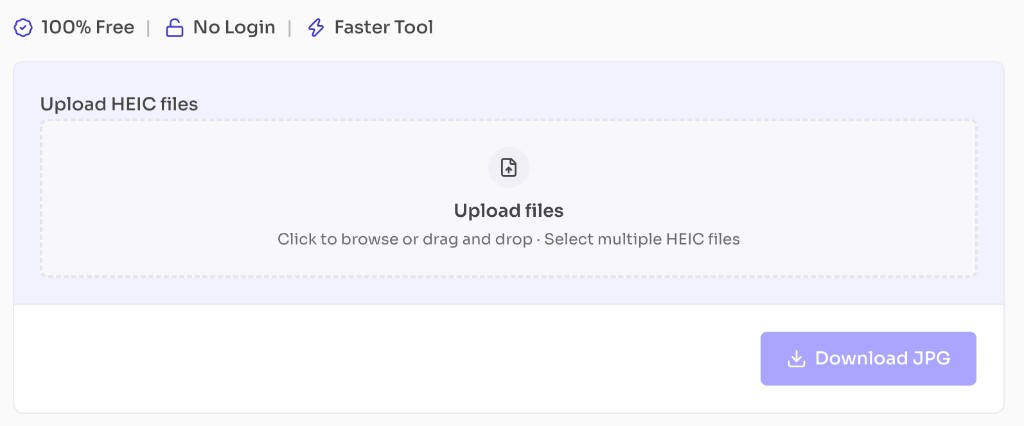
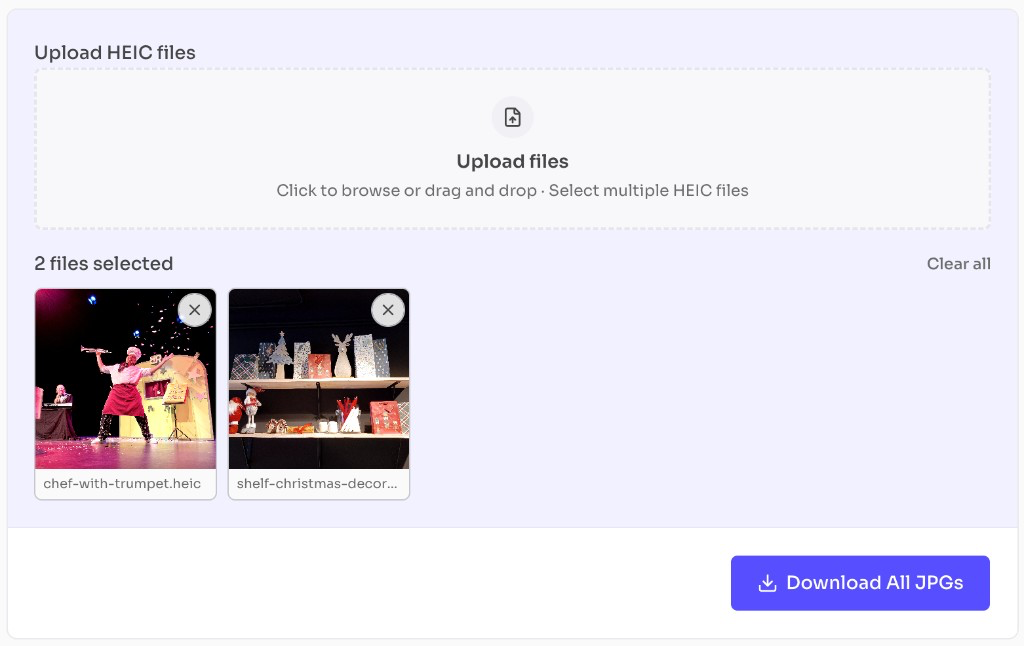
Review the file thumbnails below the upload box. Remove any file with the X, or clear all.
Click Download JPG for one file, or Download All JPGs for multiple files.
Why use it
HEIC saves space on phones, but email clients, CMS uploads, and many websites still prefer JPG.
Features
Convert one or multiple HEIC files to JPG in seconds
Preview JPG output before download
Smaller photo-friendly files for sharing and uploads
Works entirely in your browser
No account or watermark required
FAQ
Quick answers about HEIC to JPG Converter.
Yes. This tool is completely free with no login required.
Help others discover this free tool
Explore