
Newsletter
Stay Updated
Subscribe to FrontendGeek Hub for frontend interview preparation, interview experiences, curated resources and roadmaps.
Newsletter
Subscribe to FrontendGeek Hub for frontend interview preparation, interview experiences, curated resources and roadmaps.
Image Tools
Convert AVIF to JPG online for free in seconds. Upload one or more AVIF images, preview the JPG output, and download instantly in your browser.
Related
Overview
An online AVIF to JPG converter turns modern AVIF images into universally supported JPG files you can open, upload, and share almost anywhere. Upload one or multiple AVIF files, preview the results, then convert and download JPG copies in your browser.
AVIF (AV1 Image File Format) is a modern image format based on the AV1 video codec. It can deliver strong compression with high visual quality, which makes it popular for web images. The tradeoff is compatibility: many older apps, email clients, and upload forms still expect JPG or PNG instead of AVIF.
How to use
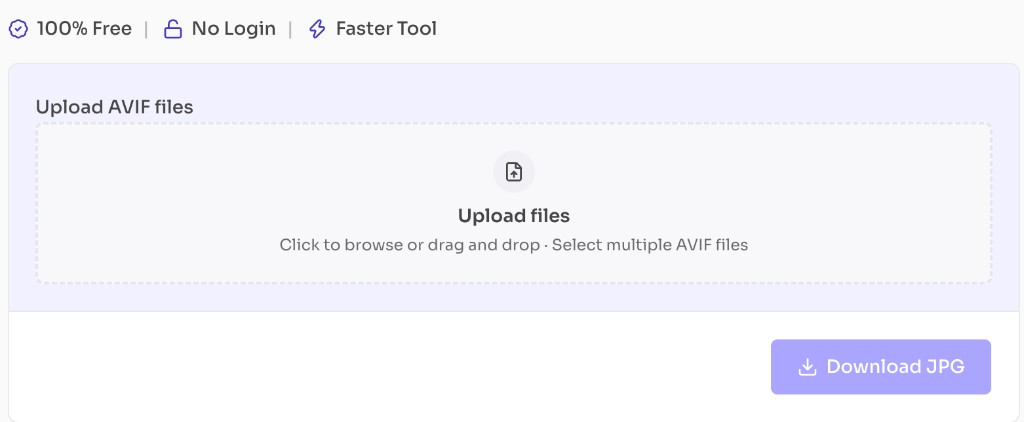
Click the upload area or drag and drop one or more AVIF files.
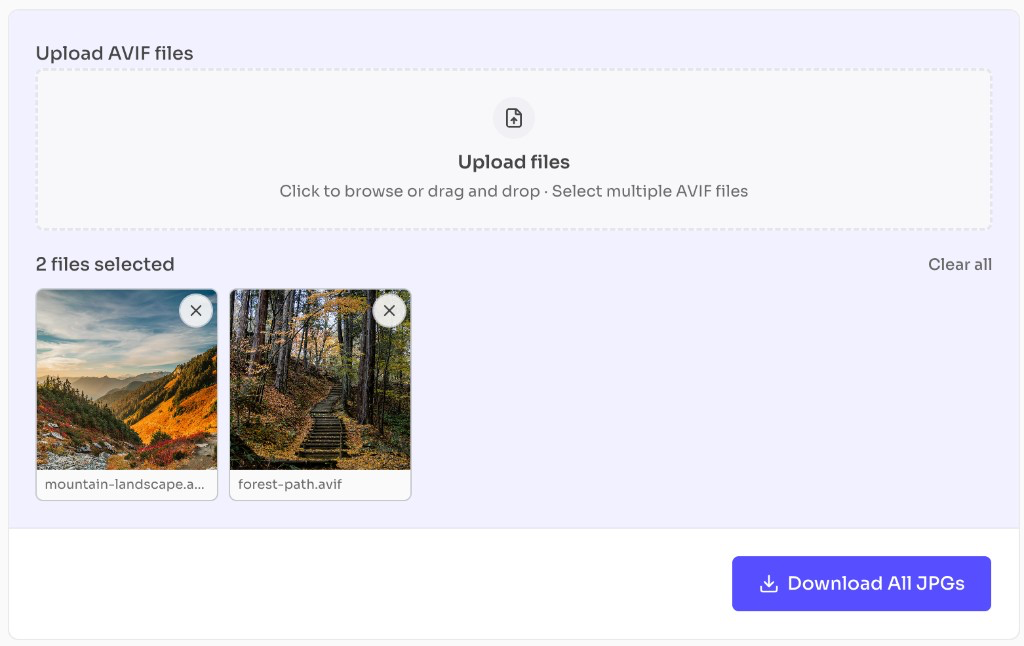
Review the file thumbnails below the upload box. Remove any file with the X, or clear all.
Click Download JPG for one file, or Download All JPGs for multiple files.
Why use it
AVIF offers excellent compression, but JPG remains the most universally accepted photo format.
Features
Convert one or multiple AVIF files to JPG in seconds
Preview JPG output before download
Make AVIF photos compatible with older apps and websites
Works entirely in your browser
No signup or watermark
FAQ
Quick answers about AVIF to JPG Converter.
Yes. This tool is completely free with no login required.
Help others discover this free tool
Explore