
Newsletter
Stay Updated
Subscribe to FrontendGeek Hub for frontend interview preparation, interview experiences, curated resources and roadmaps.
Newsletter
Subscribe to FrontendGeek Hub for frontend interview preparation, interview experiences, curated resources and roadmaps.
YouTube toolkit · 21 free tools
Free YouTube video and audio downloaders, Shorts tools, thumbnail utilities, and growth helpers — all in your browser.
Step-by-step Instant Download help, format comparisons, and troubleshooting for YouTube tools.
Learn how to download YouTube videos for free using a browser-based downloader. Follow our step-by-step guide for MP4, HD quality, mobile, PC, and Mac.
Convert YouTube to MP4 for free in your browser. Instant YT MP4 download with HD quality — no software install, no watermark. Step-by-step guide for phone, PC, and Mac.
![YouTube MP4 Download Not Working [Troubleshooting] — Person troubleshooting a laptop while working through a download issue](/_next/image?url=https%3A%2F%2Fimages.unsplash.com%2Fphoto-1516321318423-f06f85e504b3%3Fauto%3Dformat%26fit%3Dcrop%26w%3D1600%26q%3D80&w=3840&q=75 "YouTube MP4 Download Not Working [Troubleshooting] — YouTube MP4 download troubleshooting")
Fix YouTube MP4 download issues: stuck loading, missing qualities, failed Instant Download, or empty files. Try FrontendGeek YouTube to MP4, Video Downloader, Shorts, and MP3 tools.
![Why Sometimes YouTube Downloads Have No Audio [Troubleshooting] — Audio mixing console used when diagnosing YouTube downloads with no sound](/_next/image?url=https%3A%2F%2Fimages.unsplash.com%2Fphoto-1598488035139-bdbb2231ce04%3Fauto%3Dformat%26fit%3Dcrop%26w%3D1600%26q%3D80&w=3840&q=75 "Why Sometimes YouTube Downloads Have No Audio [Troubleshooting] — Fix YouTube downloads with no audio")
Why a YouTube MP4 has no sound and how to fix it. Recover audio with YouTube to MP3, or re-download with YouTube to MP4, Video Downloader, or Shorts Downloader.
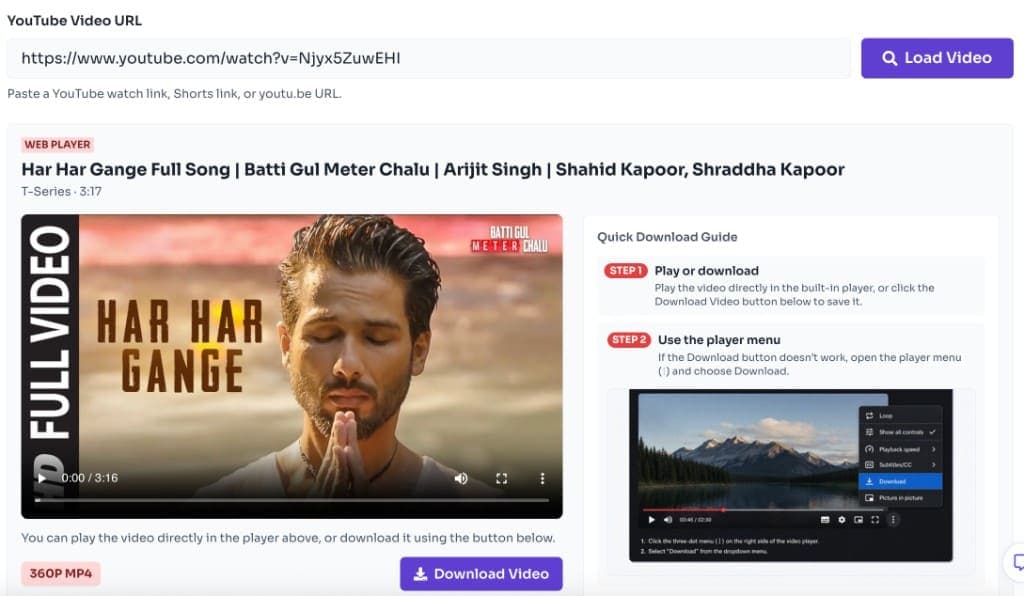
Extract audio from any YouTube video as MP3 for free. Paste a watch, Shorts, or youtu.be link into YouTube to MP3 Converter and Instant Download offline audio — no software install.
Download YouTube music videos and songs as high quality MP4 for free. Save official videos, lyric videos, and live performances offline with Instant HD download — no software install.
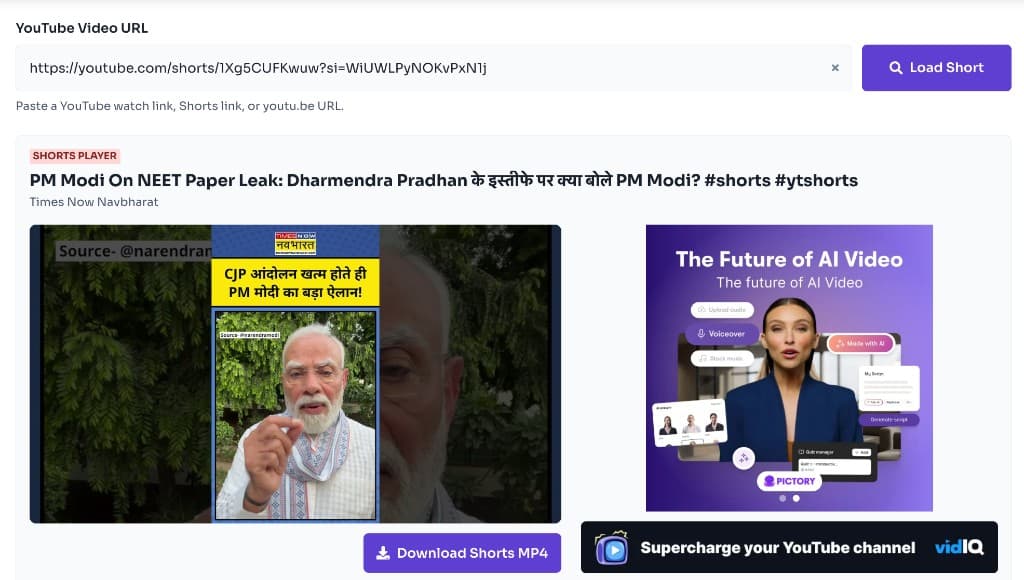
Download YouTube Shorts for free as Instant HD MP4. Paste a /shorts/ link into YouTube Shorts Downloader, preview the vertical clip, and save without a watermark — phone or desktop.

Extract any YouTube video title and description for free. Paste a public URL into YouTube Title & Description Extractor to copy packaging for SEO research, audits, and repurposing — no Studio login.

Learn MP4 quality options (1080p, 720p, 480p), bitrate, and when to choose each. Download smarter with YouTube to MP4, Video Downloader, Shorts Downloader, or YouTube to MP3.

Compare MP4 and WebM containers, codecs, and device support. Learn why FrontendGeek YouTube downloaders prefer MP4 — plus when WebM still makes sense.

MP4 vs MOV explained: containers, codecs, Apple Final Cut vs cross-platform use. See why YouTube Instant Download tools on FrontendGeek focus on MP4.
Browse other curated hubs for social platforms, converters, image, PDF, CSS, and developer tools.