
Newsletter
Stay Updated
Subscribe to FrontendGeek Hub for frontend interview preparation, interview experiences, curated resources and roadmaps.
Newsletter
Subscribe to FrontendGeek Hub for frontend interview preparation, interview experiences, curated resources and roadmaps.
Social Tools
Free X / Twitter Video Downloader Online — Download Tweeter to MP4 Video Instantly. Paste a Tweet link and Download the MP4 video in Seconds. Fast and No Watermark.
Related
Overview
A Twitter Video Downloader helps you save videos from public X (Twitter) posts as MP4 files you can keep offline. Instead of screen-recording a tweet or hunting through share menus, you paste a public status URL, confirm the creator and preview, and download the video in a couple of clicks.
FrontendGeek’s free Twitter / X video downloader runs in your browser on desktop and mobile. It works with public x.com and twitter.com links, prefers the highest available MP4 quality when multiple streams exist, and does not add a watermark to the file. Use it for personal archives, offline viewing, or editing workflows when you own the content or have permission to download it.
If you are also growing an audience on X, ClimbX can help you spot posts taking off in your niche and draft replies that still sound like you.
How to use
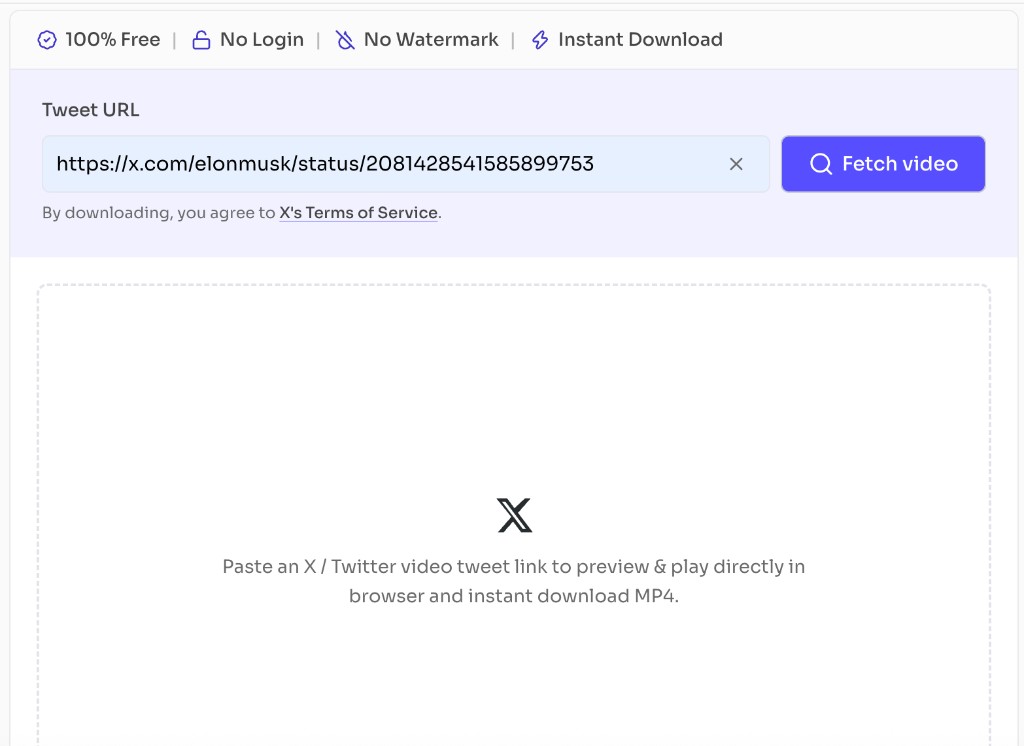
Paste a public X / Twitter video tweet link into the Tweet URL field and click Fetch video to load the preview player.
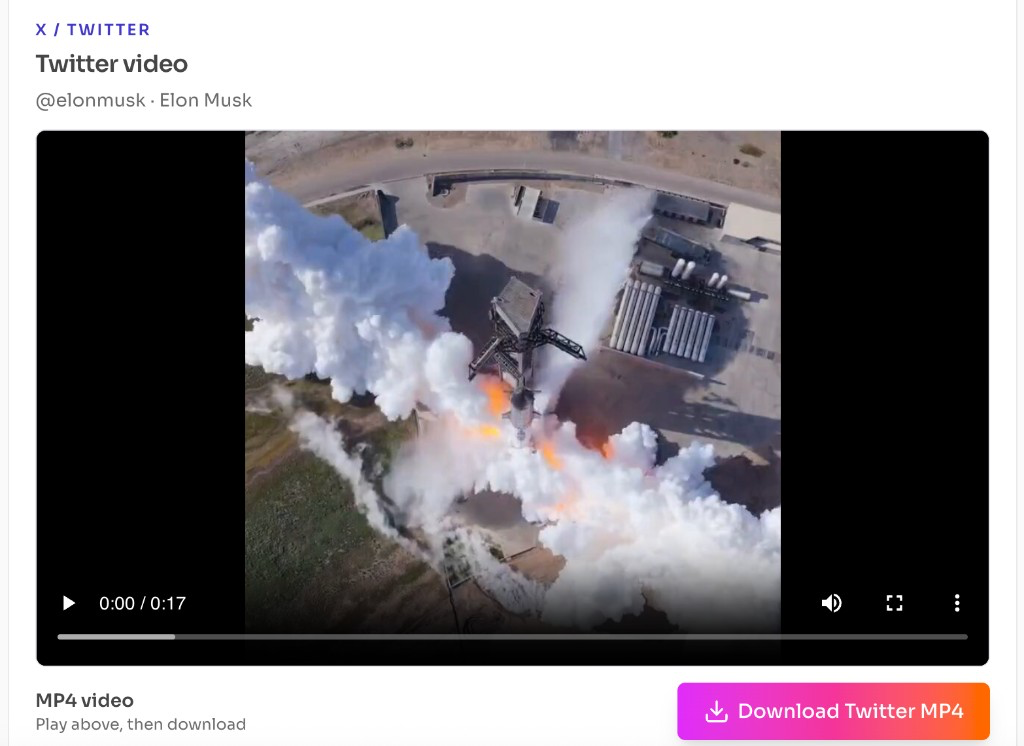
Play the video in the browser to confirm it, then click Download Twitter MP4 to save the MP4 to your device.
Why use it
Many X / Twitter download sites bury the save button under pop-ups, fake quality options, or account walls. FrontendGeek keeps a clean path: paste a public tweet link, preview the clip, and download a watermark-free MP4 for videos you own or have permission to save.
| Feature | FrontendGeek Twitter Downloader | Other Downloaders |
|---|---|---|
| Login to download | Not required — paste the URL and save | Often forces signup, captchas, or wait walls |
| Watermark on file | No watermark added to your MP4 | Many stamp a site logo on the video |
| Ads and pop-ups | Clean page focused on the download | Fake buttons, redirects, and malware risk |
| Software needed | Runs in the browser — no app or extension | Desktop installers or shady browser add-ons |
| Preview before save | Built-in player on the same page | Download first, check the file later |
| Related tools | Twitter to MP4, Tweets Finder, and YouTube tools nearby | One-off clone sites with no toolkit |
Features
Supports standard public status URLs from x.com, twitter.com, and mobile.twitter.com. Paste the full tweet link that contains the video you want to save.
See who posted the video before downloading — avatar, display name, and @handle appear with the tweet text so you can double-check the source.
The video thumbnail expands to the available width using the media aspect ratio, so you can visually confirm the clip without playing a browser player.
When multiple MP4 variants exist, the tool prefers the highest bitrate / resolution stream so you get the best quality the provider exposes.
FrontendGeek does not overlay logos or watermarks on the downloaded file. You receive the MP4 stream as resolved from the public post.
Works in modern browsers on desktop and mobile. No Chrome extension, no desktop installer, and no X Premium requirement to use this downloader.
FAQ
Quick answers about Free Twitter Video Downloader.
Public status URLs that include a video, for example https://x.com/username/status/1234567890. Equivalent twitter.com and mobile.twitter.com links also work. The post must be publicly viewable and contain downloadable video media.
Guides
Format comparisons and quality help from the Tools Guide.
Help others discover this free tool
Explore