
Newsletter
Stay Updated
Subscribe to FrontendGeek Hub for frontend interview preparation, interview experiences, curated resources and roadmaps.
Newsletter
Subscribe to FrontendGeek Hub for frontend interview preparation, interview experiences, curated resources and roadmaps.
Image Tools
Convert PDF to JPG online for free. Each page becomes a JPG (up to 50 pages). Download all JPGs when there are 10 or fewer pages, or a ZIP for larger PDFs.
Related
Overview
An online PDF to JPG converter turns each PDF page into a JPG image you can share, upload, or use in editors, slides, and forms that expect JPEG files.
How to use
Upload a PDF with up to 50 pages using drag and drop or the upload button.
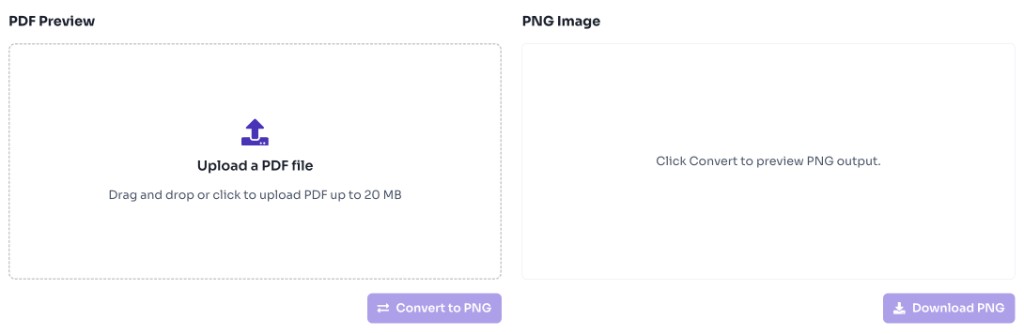
The tool converts each page to JPG and shows page thumbnails so you can review the output.
Download all JPGs when there are 10 or fewer pages. For 11 to 50 pages, download a ZIP of every JPG.
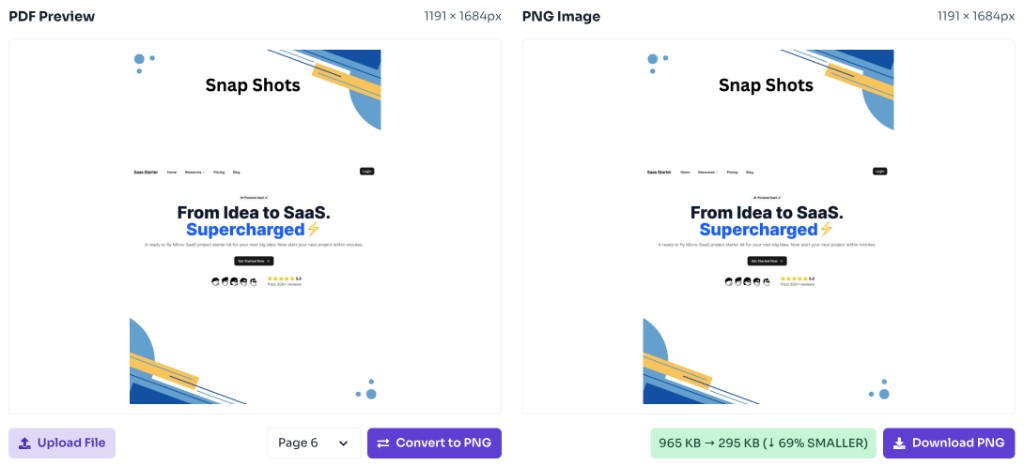
Why use it
JPG is widely accepted by forms, email, and social platforms. Converting every PDF page to JPG is useful when you need images, not a document.
Features
Convert every PDF page to JPG in your browser
Supports multi-page PDFs up to 50 pages
Preview each page before download
Download JPGs individually for 10 pages or fewer
Download a ZIP when the PDF has more than 10 pages
No account, watermark, or server upload
FAQ
Quick answers about PDF to JPG Converter.
Yes. This tool is completely free with no login required.
Help others discover this free tool
Explore