
Newsletter
Stay Updated
Subscribe to FrontendGeek Hub for frontend interview preparation, interview experiences, curated resources and roadmaps.
Newsletter
Subscribe to FrontendGeek Hub for frontend interview preparation, interview experiences, curated resources and roadmaps.
Image Tools
Invert image color online in a click with the free Image Color Converter. Upload JPG, PNG, or WebP, preview the inverted result instantly, and download — free, fast & no account required.
Related
Overview
An online image color inverter flips every RGB value to its opposite on the color wheel — the same idea as a photographic negative or a CSS invert filter at 100%.
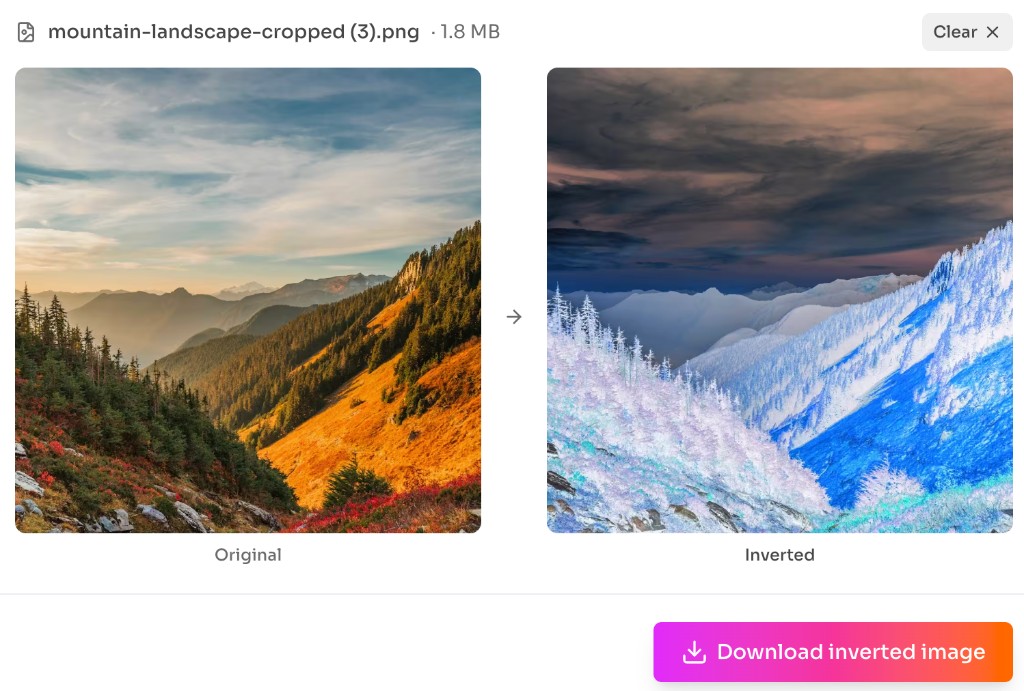
Upload a photo and the tool shows Original and Inverted side by side right away. Download the inverted PNG when you are happy with the result — no Invert button, account, or desktop app required.
JPG, PNG, WebP, and similar images stay on your device. Need a color code from a photo instead? Use the Image Color Picker. Prefer a tighter frame first? Try the Image Cropper.
How to use
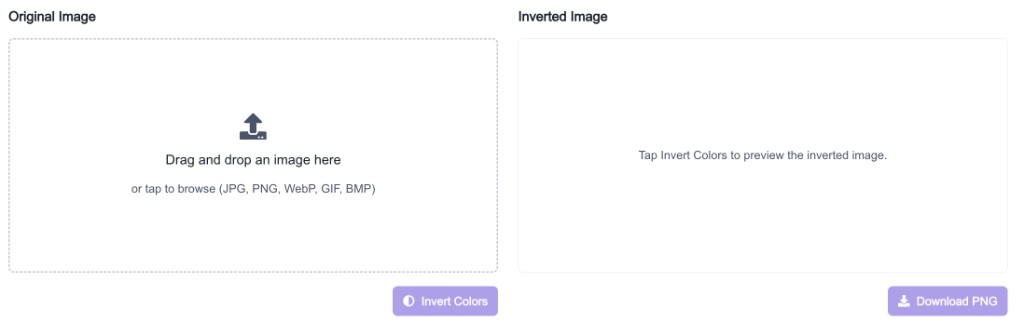
Click Upload file or drag and drop a JPG, PNG, WebP, or other image. Need PNG from a JPEG first? Use the JPG to PNG converter.
The preview shows Original and Inverted side by side as soon as the image loads. Colors invert automatically in your browser.
Click Download inverted image to save the result as PNG. Need a different size after? Use the Image Resizer.
Why use it
Use color inversion when you want a dramatic negative look or need to preview reversed tones quickly. For other creative edits, try the Pixelate Image Generator or CSS Image Filter Tool.
Features
Upload a photo and see inverted colors immediately — no extra Invert click required.
Compare both versions side by side before you download.
Save the inverted result as a clean PNG with one click.
Upload JPG, PNG, WebP, and similar formats, then download the inverted PNG.
Images stay on your device — no upload, account, or watermark required.
Pair with the Pixelate Image Generator or CSS Image Filter Tool for more creative edits.
FAQ
Quick answers about Image Color Inverter.
You can upload JPG, PNG, WebP, GIF, BMP, and similar images. Processing runs in your browser. To convert formats first, try the JPG to PNG converter.
Help others discover this free tool
Explore