
Guide
How to Download YouTube Music and Songs for Free — High Quality MP4
Updated Oct 15, 2026
Want the full music video — picture and soundtrack — as a high quality MP4 on your device? This guide focuses on downloading YouTube music videos and song videos (official uploads, lyric videos, live sets) as MP4, not audio-only MP3. Use FrontendGeek’s free browser tools when you own the content, have permission, or the creator allows downloads.
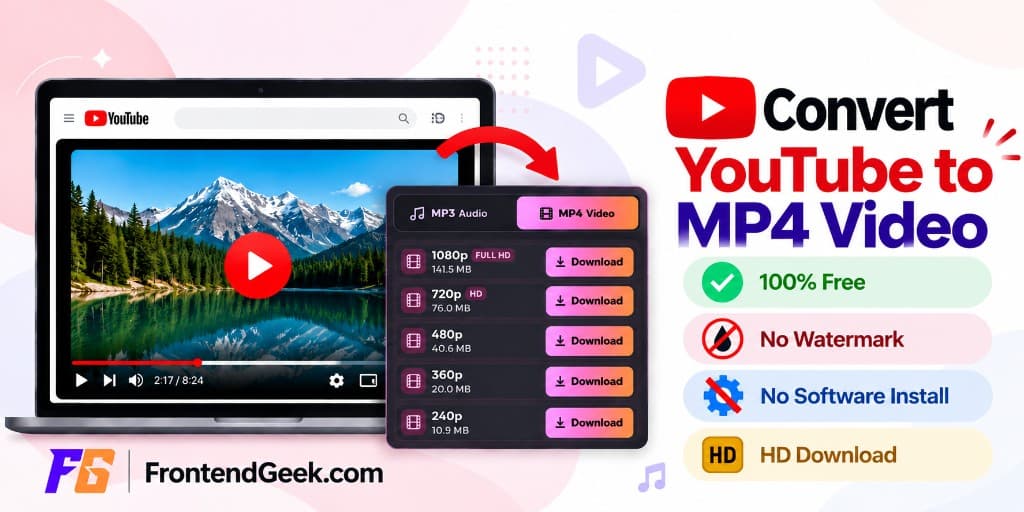
Free YouTube Download Tools
MP4 Music Videos vs MP3 Songs: Which File Do You Need?
High quality MP4 keeps the video (performance, lyrics on screen, visuals) plus audio. Choose MP4 when you will watch, edit, present, or archive the music video. Choose MP3 when you only need listening — that is covered in How to Extract Audio from YouTube Video — YouTube to MP3 and by the YouTube Song Downloader / YouTube Music Downloader.
YouTube Music and YouTube Premium offline modes stay inside the app. They do not give you a free MP4 file in Downloads. A browser Instant Download is what creates a portable MP4 for editors and gallery apps.
Official music videos
Save permitted official videos as Full HD or HD MP4 for offline watching.
Lyric & visualizer videos
Keep on-screen lyrics or art when audio-only MP3 would lose the point.
Live performances
Archive concerts or sessions you have permission to keep as video files.
Editing & CapCut
Import MP4 into CapCut, Premiere, or iMovie without re-recording the screen.
Audio-only listening
Skip MP4 — use YouTube to MP3 or Song / Music downloaders instead.
Respect rights
Commercial music is copyrighted. Only download what you are allowed to keep.
Download YouTube Music Videos as High Quality MP4: Steps
For landscape music videos and song uploads, use the YouTube to MP4 Converter (or YouTube Video Downloader). Instant Download may ask for a free FrontendGeek sign-in.
- 1
Step 1: Copy the music or song video URL
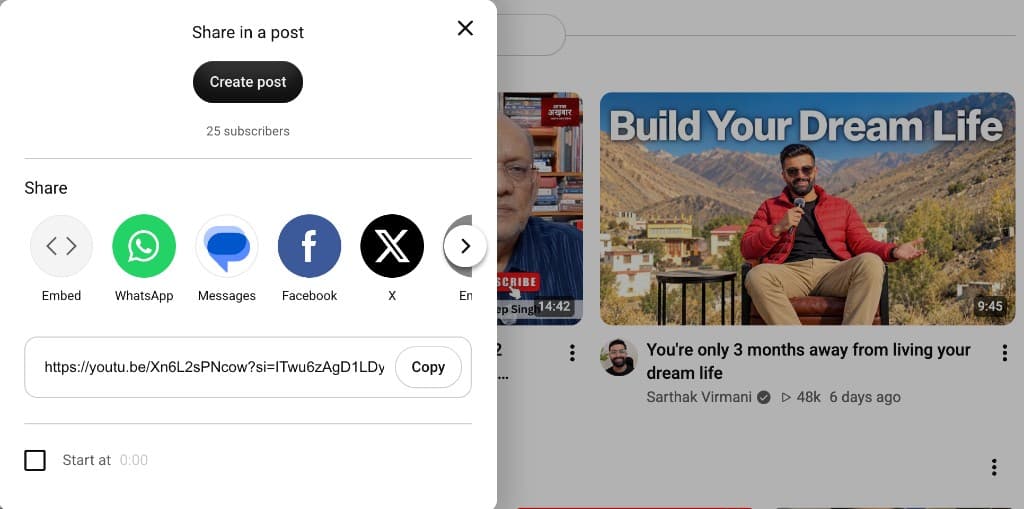
Open the official music video, lyric video, or song upload on YouTube. Copy the URL from Share → Copy or the address bar. Prefer the watch page link for the specific video — not a playlist or channel URL.
- 2
Step 2: Open the YouTube to MP4 Converter
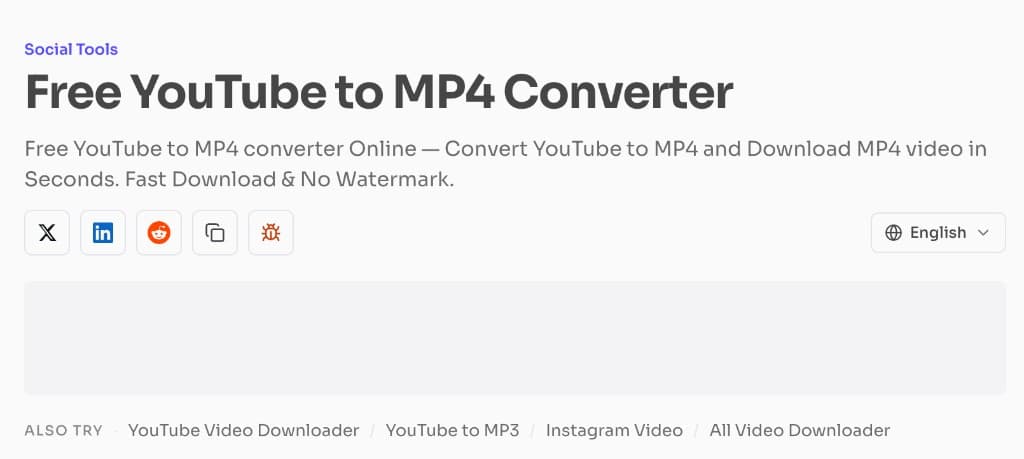
Open the YouTube to MP4 Converter on FrontendGeek for Instant HD MP4. Prefer the Video Downloader if you already use that flow for general videos.
- 3
Step 3: Paste the URL and load the video
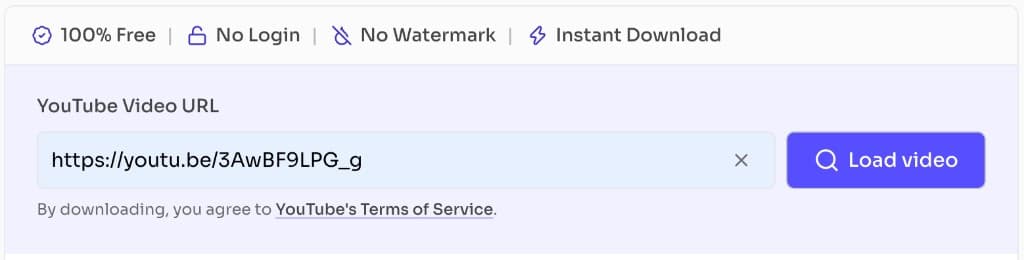
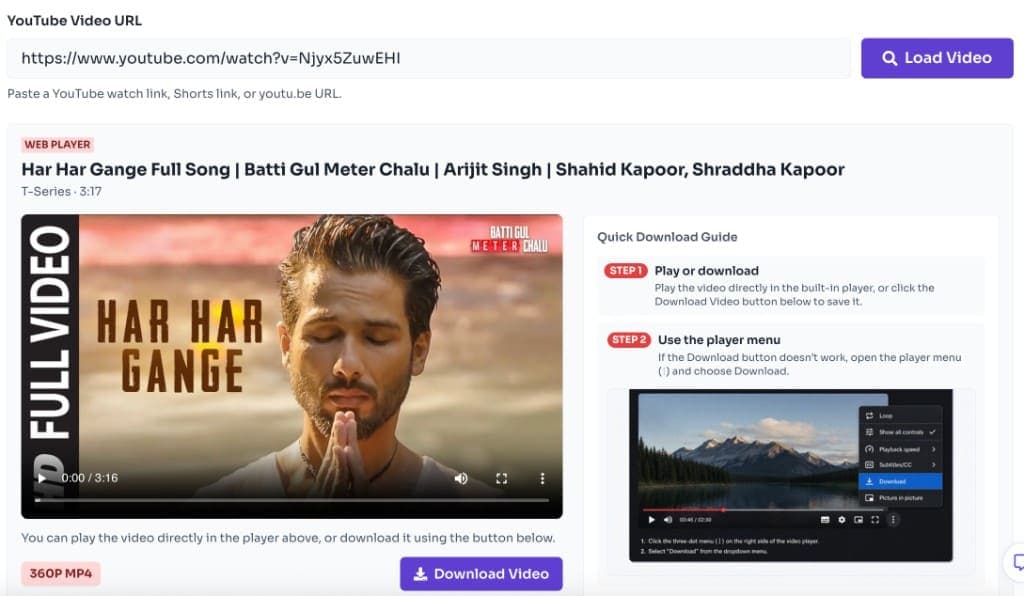
Paste the link, click Load video, and confirm the title and thumbnail match the track or music video you wanted.
- 4
Step 4: Choose high quality MP4 and download
Open the quality list and pick the highest available option that fits your storage — ideally 1080p Full HD or 720p HD for music videos. Click Download and wait for Instant Download to finish.
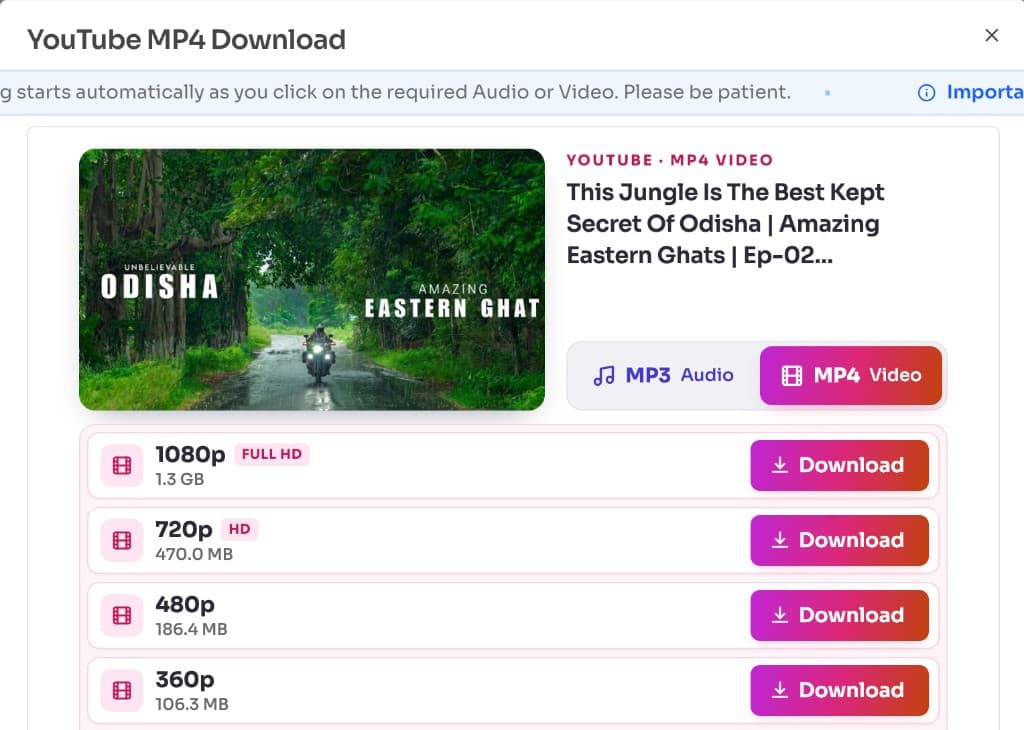
Try High Quality YouTube Music MP4 Download
Free browser tool · High quality MP4 · Instant Download
Open YouTube to MP4 ConverterPick the Right High Quality for Music Videos
Music videos look best when you take the highest quality the upload supports. 1080p Full HD is the everyday sweet spot for phones and laptops; 4K is worth it on large screens if the file size is acceptable.
| Quality | Best for music videos | Trade-off |
|---|---|---|
| 2160p (4K) | TV / large monitors | Largest files |
| 1080p Full HD | Most phones & laptops | Best everyday choice |
| 720p HD | Smaller storage / slower Wi‑Fi | Still looks clean |
| 480p / below | Quick previews only | Soft on big screens |
- Confirm audio is present in the preview before you leave the page
- Prefer Wi‑Fi for Full HD and 4K Instant Downloads
- For vertical song Shorts, use the YouTube Shorts Downloader instead
- For listening-only, switch to YouTube to MP3 Converter
YouTube Music App Offline vs Free MP4 File
YouTube Music / Premium offline libraries are convenient for listening inside Google’s apps, but those caches are not a free MP4 sitting in your Downloads folder. If your goal is an editable, shareable (when permitted), or gallery-ready music video file, use a browser Instant Download of content you are allowed to keep.
| Method | Gives you an MP4 file? | Works offline outside the app? | Free |
|---|---|---|---|
| FrontendGeek YouTube to MP4 | Yes | Yes | Yes |
| YouTube / YouTube Music Premium offline | No | No (in-app only) | No |
| Screen recording | Yes (usually) | Yes | Varies |
Legal note for music and songs
Record labels and artists own most commercial tracks and music videos. Only download music videos and songs you own, have licensed, or are explicitly allowed to save. Do not re-upload or sell someone else’s music. Respect YouTube’s Terms of Service and copyright law.
Frequently Asked Questions
- Can I download YouTube music videos for free as MP4?
Yes for permitted content — your own uploads, creator-approved downloads, or material you have rights to keep. Paste the URL into FrontendGeek’s YouTube to MP4 Converter and Instant Download a high quality MP4.
- How do I get the highest quality YouTube song video?
After loading the video, choose the top available MP4 quality (often 1080p Full HD or 4K when the upload supports it).
- Should I download YouTube songs as MP4 or MP3?
Use MP4 when you need the music video visuals. Use MP3 (YouTube to MP3, Song Downloader, or Music Downloader) when you only want audio.
- Does YouTube Music Premium give me an MP4?
No. Premium offline stays inside the YouTube or YouTube Music apps and does not export a free MP4 to your device storage.
- Can I download YouTube songs on my phone as MP4?
Yes. Copy the link in the YouTube app, open FrontendGeek in Chrome or Safari, paste, pick quality, and save from Downloads / Files.
- What about lyric videos and live sessions?
Same MP4 flow. Confirm the preview matches the upload, then Instant Download the quality you need.
- Is downloading YouTube music legal?
Only when you have the right to keep a copy. Commercial music is usually protected by copyright — do not pirate tracks or music videos.
Final Thoughts
High quality MP4 is the right format when YouTube music or songs need to stay as video. Pick Full HD when you can, keep Instant Download on Wi‑Fi for large files, and switch to MP3 tools when you only need sound.
Need a high quality MP4 of a permitted YouTube music video?
Download Music Video as MP4Other YouTube Tools
Need audio-only, Shorts, or title research? Browse related FrontendGeek YouTube tools.
Explore More Guides
 How to Convert Youtube to MP4 for Free
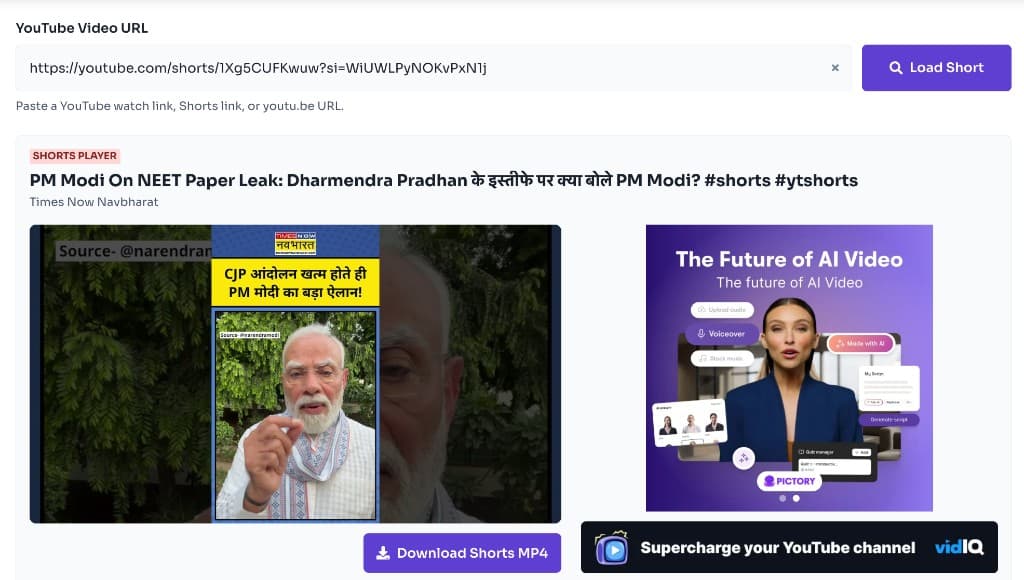 How to Download YouTube Shorts for Free — Instant HD MP4 Download
 How to Download YouTube Videos for Free: Step-by-Step Guide (2026)
 How to Extract Audio from YouTube Video — YouTube to MP3
 How to Extract Any YouTube Video Title and Description
 How to Download Instagram Reels for Free — Instant HD MP4 Download
 How to Download Instagram Videos for Free (Instagram to MP4)
 How to Delete Instagram Account — Step by Step Guide (2026)
Or browse the full Tools How to Guide.
Found this guide useful?
Share it with someone learning YouTube downloads